Hello.
If you've ever used a Google map or viewed a YouTube video you should find everything pretty straightforward. If not, please do let us know.
The map to the right of the window has way points at various places on the route. If you click on a way point you can see the distance from the start and to the finish and you can also jump to the corresponding point in the video.
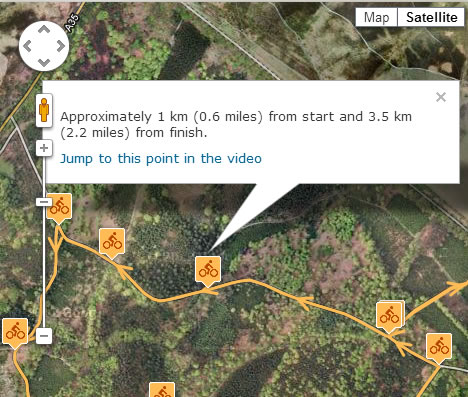
The way points are also indicated on the elevation chart below the video and map.
You can move around in the map or zoom in and out, just as you would do with Google maps on other sites. You can also use the tick boxes above the map to show or hide way points, local information, facilities (toilets and parking) and Forestry Commission route markers.
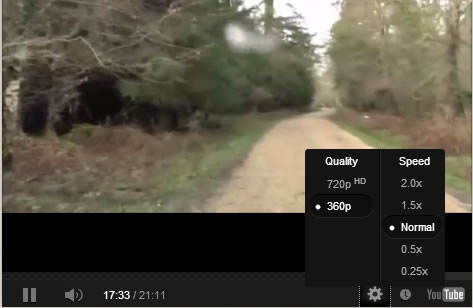
If you would like to view the video at a different speed then you can do so by joining YouTube's HTML5 Video Player trial. Visit https://www.youtube.com/html5 and click on 'Join the HTML5 Trial' at the bottom of the screen. When a video is playing you can then click on the settings icon (the cog shape below the video) and adjust the speed as required.